Two developers working at desks with multiple screens
Home / Creative Direction & Collaboration / Team guidance & design handoff
Creative Direction & Collaboration · Team guidance & design handoff

Design handoff and team guidance: from Figma to production without losing the detail

A design isn't finished until it's built well. I hand off work in a form engineers can build from without guessing, review the build against the design, and help design teams develop the habits that make every handoff better.

Dev-ready specsStates & edge casesTokensDesign QAMentoring

Where good designs get lost

A surprising amount of design quality is lost between the design file and production. Spacing drifts. An error state nobody designed gets improvised. A component is rebuilt slightly differently because the existing one wasn't referenced. A long product name breaks the layout. None of this is carelessness; it happens when the handoff leaves decisions unmade, so engineers have to make them under time pressure.

Good handoff closes those gaps. It is less about a single "handover meeting" and more about designing in a way that anticipates build, specifying what matters, and staying involved until the work ships.

Is this you?

Signs your handoff needs work

01

Frequent "what should happen when...?" questions

Engineers find undesigned states mid-build.

02

Visual drift in production

Spacing, type and colour don't match the design.

03

Components rebuilt from scratch

Instead of using existing library components.

04

Design QA doesn't happen

Nobody checks the build against the design before release.

05

Wireframes treated as specs

Low-fidelity files handed over as final.

06

Junior designers unsure what to include

Handoff quality depends on who did the work.

What a build-ready handoff includes

ItemWhat it covers
Final designsEvery key screen at each breakpoint, with realistic content
All statesDefault, hover, focus, disabled, loading, empty, error, success, partial - for screens and components
Edge casesLong text, missing images, many items, zero items, permissions, slow connections
Components and tokensReferences to existing library components and design tokens, rather than raw values
Interaction notesTransitions, timing, validation behaviour, focus management
ContentFinal copy, error messages and status wording
AccessibilityHeading structure, focus order, labels, contrast values, screen-reader notes
FlowsHow screens connect, including error and recovery paths
Acceptance criteriaWhat must be true for the ticket to be done, including design QA

On a large B2B catalog, the handoff was a set of high-fidelity templates rather than wireframes - precisely so new products could be added consistently long after launch. Wireframes say where things go; they don't say how spacing, colour or states should look, which is exactly where drift creeps in. See design systems at catalog scale.

Tokens and components make handoff reliable

The more a design uses the design system, the simpler the handoff. If a screen is built from existing components and design tokens, engineers implement references, not measurements. That's one reason design systems speed up delivery: Figma's research found designers completed a task 34% faster with one, and the benefit carries into build when components exist in code too. Tokens now have a stable, vendor-neutral format from the W3C Design Tokens Community Group, which makes syncing design and code easier.

Design QA: checking the build

Design QA is a structured review of the implemented product against the design, before release. I check:

  • Layout, spacing and typography against the specs.
  • Every state and edge case, not just the default.
  • Responsive behaviour at each breakpoint.
  • Accessibility basics: contrast, keyboard access, focus visibility, labels.
  • Content accuracy and consistency.

Findings go into a short list of issues with screenshots and severity, so engineers can fix the important ones quickly. Catching drift here is far cheaper than after release.

Guiding design teams

Handoff quality depends on habits, and habits are learned. With in-house teams I provide:

  • Critique - regular, structured feedback on work in progress. See design reviews.
  • Pairing - working alongside designers on real problems, explaining reasoning as we go.
  • Checklists and templates - handoff checklists and file structures everyone can follow.
  • Presentation coaching - explaining design rationale clearly to product, engineering and leadership, a skill I use daily in client-facing work.

The goal is a team that produces consistent, build-ready work without depending on one senior person.

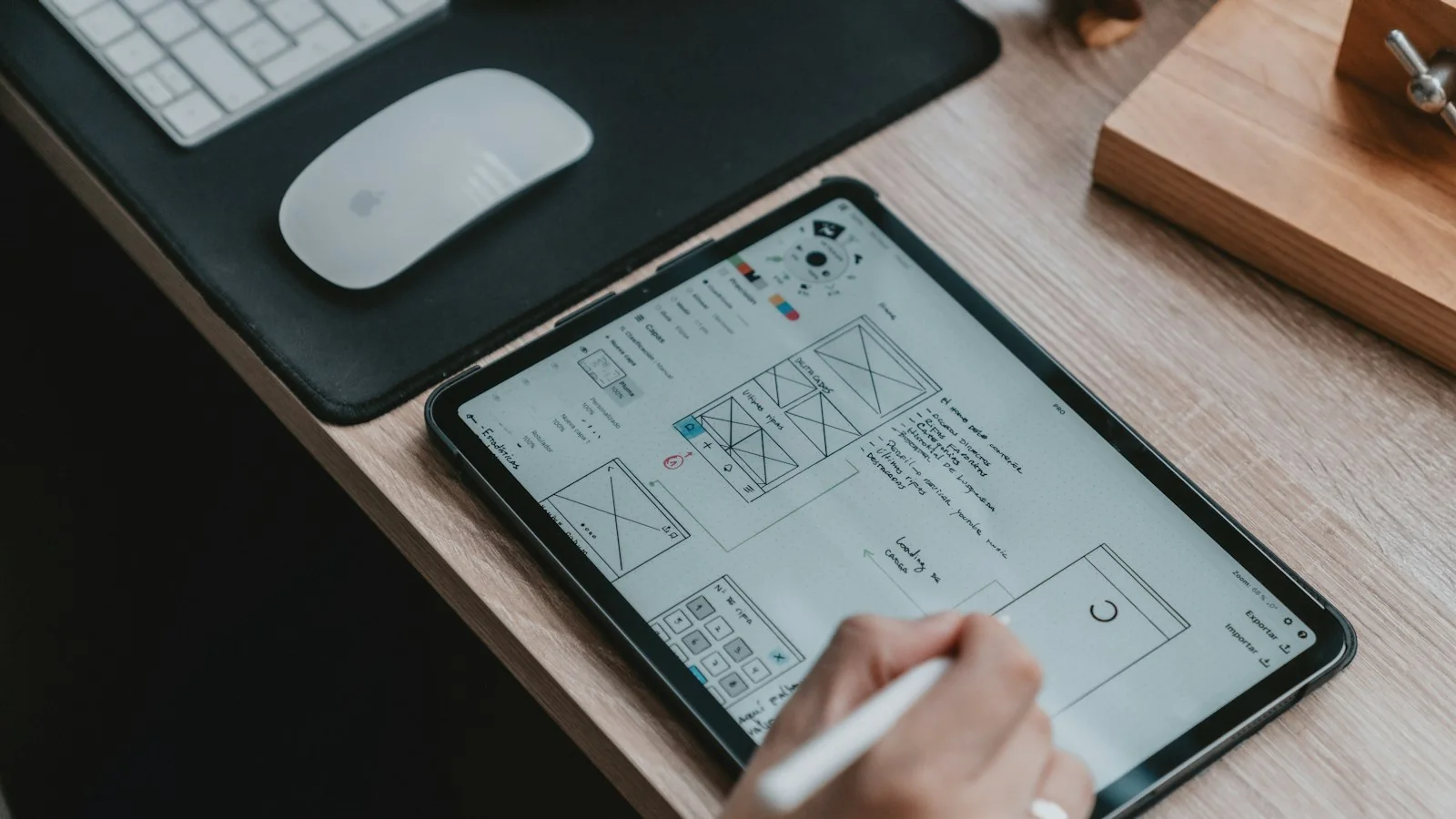
The process

How I run handoff

  1. 01

    Involve engineering early

    Feasibility and component reuse discussed before designs are final.

  2. 02

    Design all states

    States and edge cases designed alongside the main screens.

  3. 03

    Prepare the file

    Organised pages, components and tokens referenced, annotations added.

  4. 04

    Walk through together

    A session with engineers to explain intent and answer questions.

  5. 05

    Support the build

    Quick answers during implementation; small decisions made together.

  6. 06

    Design QA

    Review the build before release and track fixes.

What you get

01

Build-ready files

Organised designs with states, edge cases and annotations.

02

Component and token mapping

Which library components and tokens each screen uses.

03

Handoff walkthrough

A session with engineering, recorded where useful.

04

Design QA report

Issues found in the build, with screenshots and priorities.

05

Handoff checklist

A reusable checklist for your team.

06

Team guidance

Critique, pairing and coaching for your designers.

Frequently asked questions

Which tools do you hand off in?

Usually Figma, with Dev Mode or annotations, linked to tickets in the team's delivery tool - commonly Jira, Azure DevOps or Aha.

Do engineers need to attend a handoff meeting?

A short walkthrough helps, but the file should stand on its own. The meeting is for intent and questions, not for filling gaps.

What if we don't have a design system yet?

Handoff can still be thorough, but it's more work. Starting a small system - tokens and core components - pays off quickly.

How much design QA is needed?

Enough to cover key screens and states before release. For larger features, QA on a staging environment during the sprint is best.

Can you mentor our junior designers?

Yes. Regular critique and pairing on real projects, plus clear handoff standards, help junior designers grow quickly.

Sources

Every statistic in this page links to its original publisher. Figures were checked against these sources on September 29, 2026.

  1. Measuring the value of design systems - Figma
  2. Design Tokens specification reaches first stable version - W3C Design Tokens Community Group, October 2025
Let's solve something

Built product never quite matching the design?

Let's fix the handoff. Book a 30-minute call.

Book a 30-min call ↗