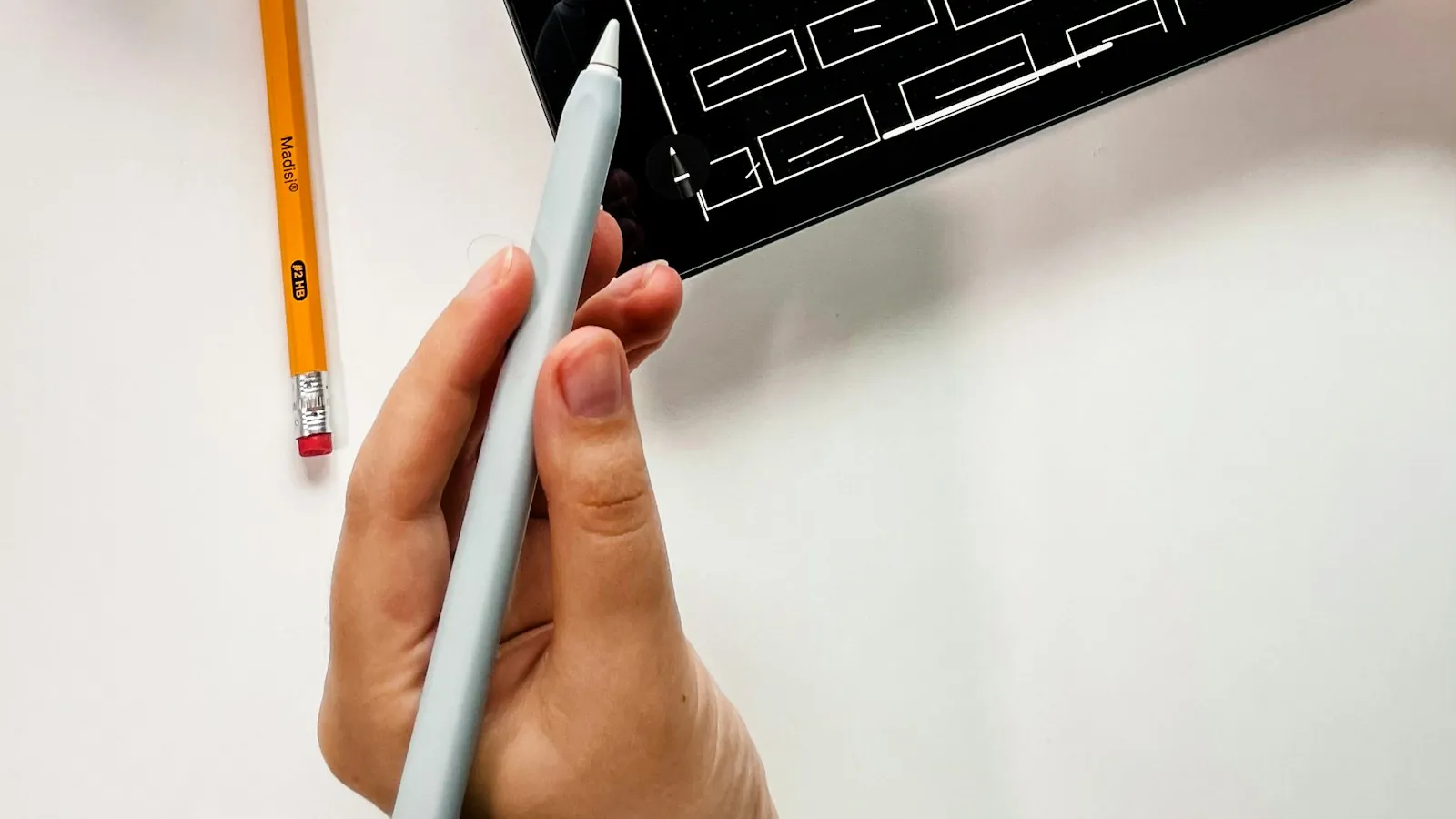
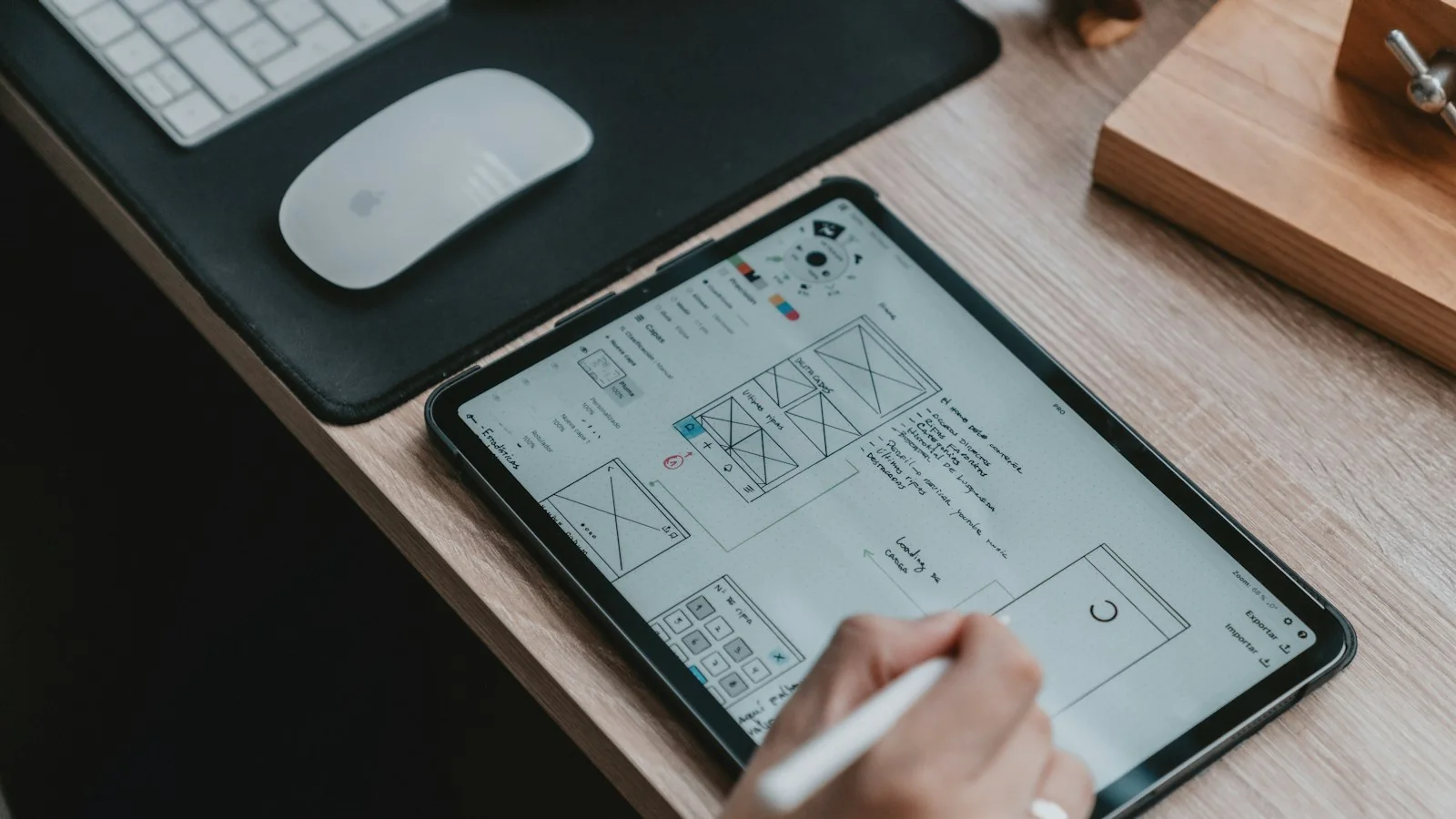
Tablet showing a hand-drawn website wireframe
Home / UX/UI & Product Design / Wireframes & prototyping
UX/UI & Product Design · Wireframes & prototyping

Wireframes and prototypes that answer questions before code does

The right level of fidelity at the right moment - quick sketches to explore, wireframes to agree structure, and interactive prototypes to test with real users before engineering time is spent.

SketchesWireframesClickable prototypesUsability testing

Why prototype at all

Every product decision is a bet. Wireframes and prototypes let you place that bet cheaply: you find out whether a layout makes sense, whether a flow can be completed, whether a concept solves the problem - before engineers spend weeks building it.

The evidence for small, early tests is strong. Jakob Nielsen's widely cited analysis found that testing with five users uncovers roughly 85% of usability problems in a design, and recommends several small rounds rather than one large study. Prototypes make those small rounds possible at every stage.

Is this you?

When prototyping pays off most

01

A big feature is about to be built

Weeks of engineering time depend on getting the concept right.

02

Stakeholders disagree

A prototype turns opinions into something everyone can react to.

03

A new audience or market

You're designing for users whose expectations you haven't tested.

04

Complex, multi-step tasks

Forms, onboarding, configuration and approvals are hard to judge from static screens.

05

Replatforming or redesigning

You need to prove the new structure works before migrating.

06

Sales needs something to show

A realistic prototype supports early customer conversations and pilots.

Choosing the right fidelity

Fidelity should match the question you are trying to answer. Too little and users can't react meaningfully; too much and people argue about colours when you wanted to test structure.

FidelityLooks likeBest for answeringSpeed
SketchesRough drawings, often on paper or a whiteboard"What are the possible approaches?"Minutes
Low-fidelity wireframesGrey boxes, real labels, no styling"Does the structure and content order make sense?"Hours
Mid-fidelity clickable wireframesLinked screens with basic interaction"Can users complete the task?"A day or two
High-fidelity prototypesReal styling, realistic data, key interactions"Will this work and feel right in production?"Days
Coded prototypesBuilt in code for complex interactions or data"Does this interaction or performance hold up?"Longer; used sparingly

Wireframes are not the handoff

Wireframes are for agreeing structure. They are not enough to build from. A wireframe says where things go; it does not say how spacing, colour, typography or component states should look - which is exactly where inconsistency creeps in during implementation. On a large B2B catalog project, the handoff was a small set of high-fidelity templates, not wireframes, precisely so that new products could be added consistently later. See design systems at catalog scale.

Testing prototypes with users

A prototype is only as useful as the test it supports. For each round I:

  1. Define what we need to learn - two or three specific questions.
  2. Recruit representative users - roughly five per round for each significantly different user type.
  3. Write realistic tasks - "Find a combi oven that fits a 900mm space", not "Explore the menu".
  4. Observe, don't lead - users think aloud; we note where they hesitate or go wrong.
  5. Synthesise quickly - findings the same week, with changes made before the next round.

Remote moderated sessions work well for most B2B and SaaS products, and let you test with users in other cities or countries.
The process

How I run prototyping

  1. 01

    Frame the question

    What decision does this prototype need to support?

  2. 02

    Sketch options

    Explore several approaches quickly before committing.

  3. 03

    Wireframe the preferred direction

    Structure, content order and flow.

  4. 04

    Build the clickable prototype

    At the fidelity the question needs, with realistic content.

  5. 05

    Test and iterate

    Small rounds with real users; fix and retest.

  6. 06

    Hand over or scale up

    Tested direction moves into interface design and the design system.

Realistic content matters

Prototypes filled with placeholder text hide real problems. Long product names, missing images, many variants, data-dense tables and error messages all change a design. I use realistic content - or real anonymised data where appropriate - so tests reflect what users will actually see.

What you get

01

Concept sketches

Explored options and the reasoning behind the chosen direction.

02

Wireframes

Structure and content order for key screens.

03

Clickable prototype

Linked screens for the tasks that matter.

04

Test plan

Questions, tasks and participant criteria.

05

Findings and changes

What users did, what changed and why.

06

Tested direction

Ready for interface design and build.

Frequently asked questions

How long does a prototyping round take?

A focused round - prototype, five sessions, synthesis and changes - often fits into one to two weeks, depending on recruitment.

Can you recruit test participants?

I can help define criteria and run sessions. For B2B products, recruiting through your customers, sales team or user community usually produces the most relevant participants.

Should prototypes be built in code?

Only when the question requires it - complex interactions, real data or performance. Design-tool prototypes answer most questions faster.

Do stakeholders need to attend sessions?

It helps. Watching even one or two sessions is often more persuasive than any report.

What happens to the prototype after testing?

The tested direction moves into high-fidelity interface design and the design system. The prototype also becomes a useful reference for engineering and for early customer conversations.

Sources

Every statistic in this page links to its original publisher. Figures were checked against these sources on September 29, 2026.

  1. Why You Only Need to Test with 5 Users - Jakob Nielsen, Nielsen Norman Group, 2000
Let's solve something

About to build something you haven't tested?

A prototype and five users can save weeks of rework. Book a 30-minute call.

Book a 30-min call ↗